3D fireworks screensaver
vrFireWorks
A full fireworks show that builds to a grand finale, with a cheering crowd. Take over the launch tubes and run your own.
vrFireWorks 2.0 shipped in a ZIP named ISupportOurTroops.zip. We kept the original name.
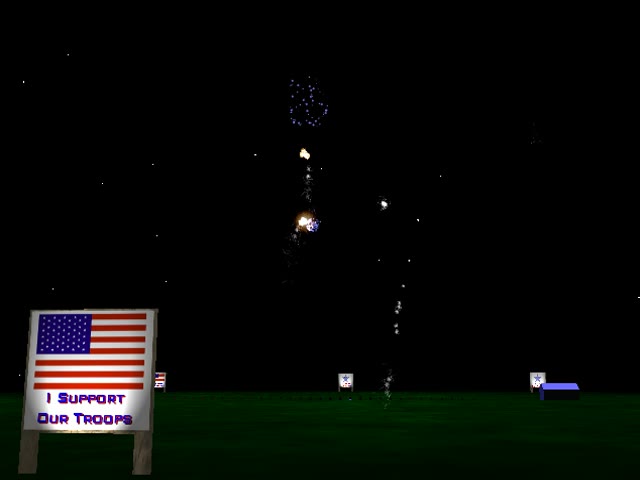
Watch it run
Silent clip recorded from the original screensaver running on Windows 11 at 640×480 with Direct3D software rendering. Colors and speed will differ from a 1990s 3D card.
vrFireWorks shows this help panel when it starts. You need to turn off "Ignore keys" in Settings for the keys to work.
| A S D F G H J | Fire a shell |
|---|---|
| 1 2 3 4 5 6 | Change view |
| Q | Sound effects on/off |
| M | Music on/off |
| N | Next song |
| C | Cheer |
Read from the help panel inside vrFireWorks 2.0.
Screenshots
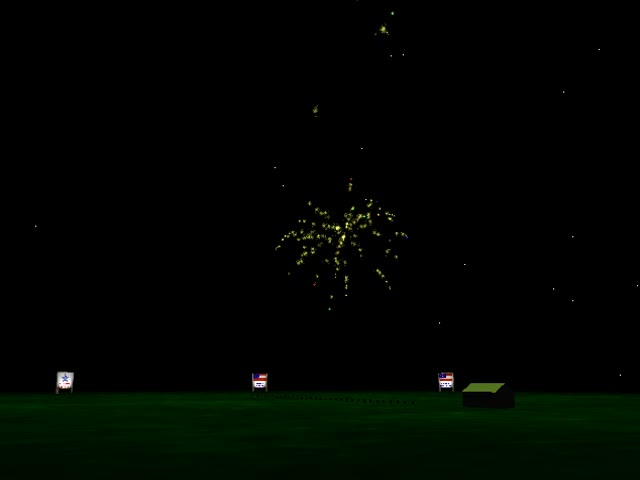
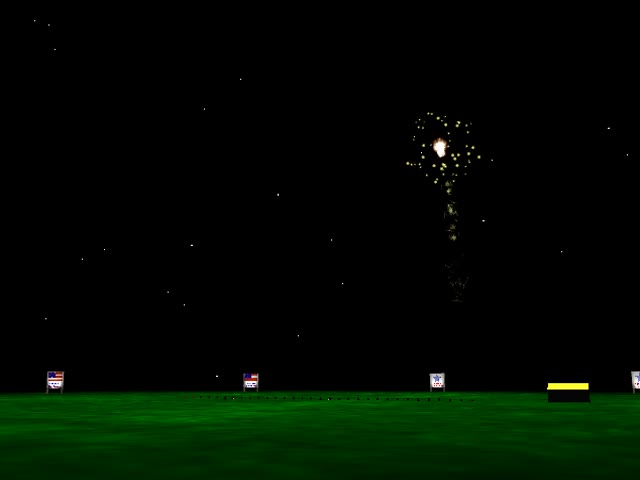
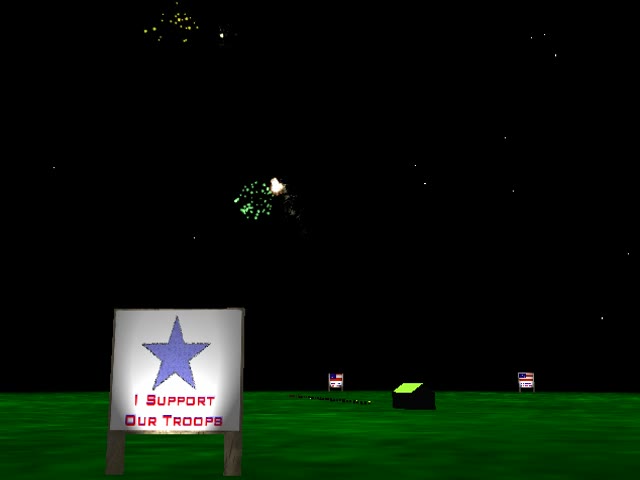
Captured from the original screensaver running with Direct3D software rendering at 640×480.
"The vrFireworks screensaver features advanced modeling of fireworks physics and lighting, optional sound effects, and American patriotic music. The complex math produces a very realistic simulation of fireworks mortars and sulfur bombs exploding in displays that build into grand finales (complete with cheering crowds). Easily take control of the launch tubes and create your own fireworks displays. Watch the action from selectable camera views including aerial and stationary ground cameras."
From VRMan's original description of vrFireWorks 2.0.