3D radio-controlled airshow
3D FlightSaver
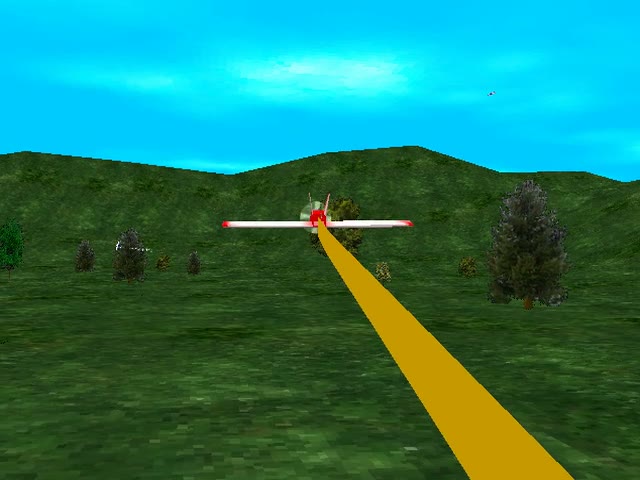
Radio-controlled planes fly an airshow over green hills, trailing smoke, dropping bombs and firing missiles. This is the free demo of version 3.0, from February 2003.
The original download was a self-extracting 3DFlightSaver30Demo.exe (1.5 MB). The ZIP holds exactly the same two files.
This file was not in our collection. VRMan's old website offered it for download, and the Internet Archive's Wayback Machine saved a copy on 18 April 2003. The program inside is dated 21 February 2003. We checked it with Windows Defender (nothing found) before adding it here, and the checksum below lets you verify it against the Wayback copy.
SHA-256 of 3DFlightSaver30Demo.exe: f31373dc97e38143a66fa0799d2d783d57a93772e57e1b4de24052e062282618
The readme says: "please feel free to upload this screensaver anywhere, or give it away." It asks that you not sell it.
Watch it run
Silent clip recorded from the original screensaver running on Windows 11 at 640×480 with Direct3D software rendering. Colors and speed will differ from a 1990s 3D card.
Screenshots
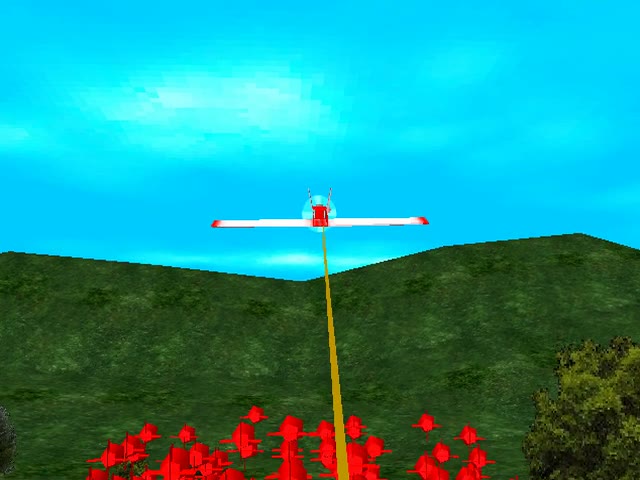
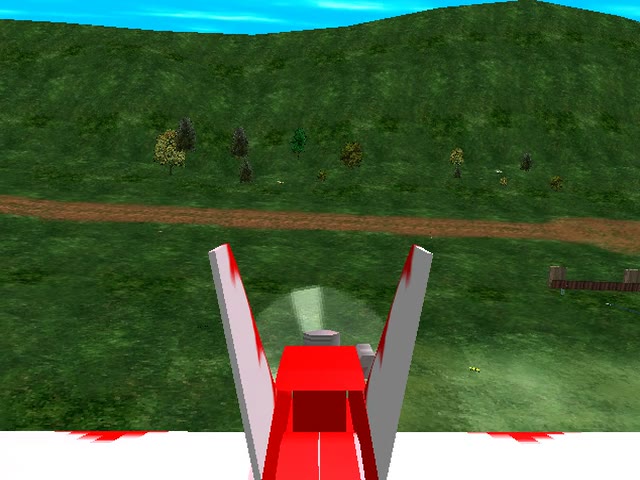
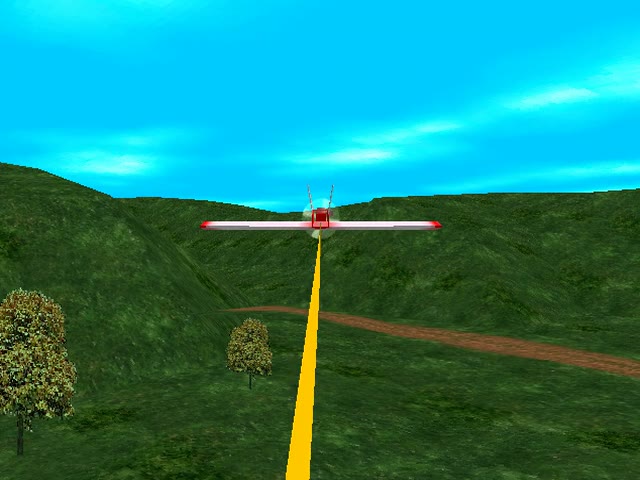
Captured from the original running with Direct3D software rendering at 640×480. The billboards in the demo ask you to buy the full version.
These work while the screensaver runs, if "Ignore keys" is off in Settings. From VRMan's readme.
| 1 – 9 | Camera views: tracking, slowtrack, cockpit, target, stationary, still, chase, wingtip, front |
|---|---|
| 0 | Select a plane |
| F | Fire a missile |
| B | Drop bombs |
| L | Force the selected plane to land |
| M · N | Music on/off · next song (MIDI) |
| K | Keyboard flight controls: arrow keys steer, A speeds up (or raises a helicopter), Z slows down, 5 on the keypad centers the controls, Space doubles the control rate, S toggles the airshow smoke. Press Esc to leave. |
| F5 – F9 | F5 all planes land · F6 all fly to one spot · F7 grounded planes take off · F8 everyone attacks your plane · F9 formation flying |
A customer wrote in 2004 that his two young sons come running into the room when the screensaver starts, to "shoot the rockets" and "drop the bombs".
Lanny Ritz, quoted on vrman3d.com in 2004.
On Windows 11 we chose the display device, the RGB Emulation driver and the 640×480 32-bit mode. VRMan's readme recommends 640×480 and the Direct3D HAL driver on 1990s 3D cards, and says the recommended PC was a 2 GHz machine with a GeForce 4.